
Keeping Wox Simple
A launcher can accumulate a lot of features over time. One person wants a countdown, another needs dictation, and someone else wants to connect a script to the search box. Each request makes sense on its own, and each feature can help the people who need it.
But as features add up, so do their settings, shortcuts, and dependencies. You might open Wox just to find an app, only to have more options to navigate around. Every feature needs care from its maintainers, too: does it still work after a system update, does its shortcut conflict with another one, and where should we look if something goes wrong?
AI makes new features easier to build. An idea can become a prototype more quickly, and smaller requests that once might have been hard to find time for can be tried. That's a good thing. But after the first version is written, someone still has to use and maintain it. For Wox, we want to think carefully about how to keep an everyday launcher simple as adding features gets easier.
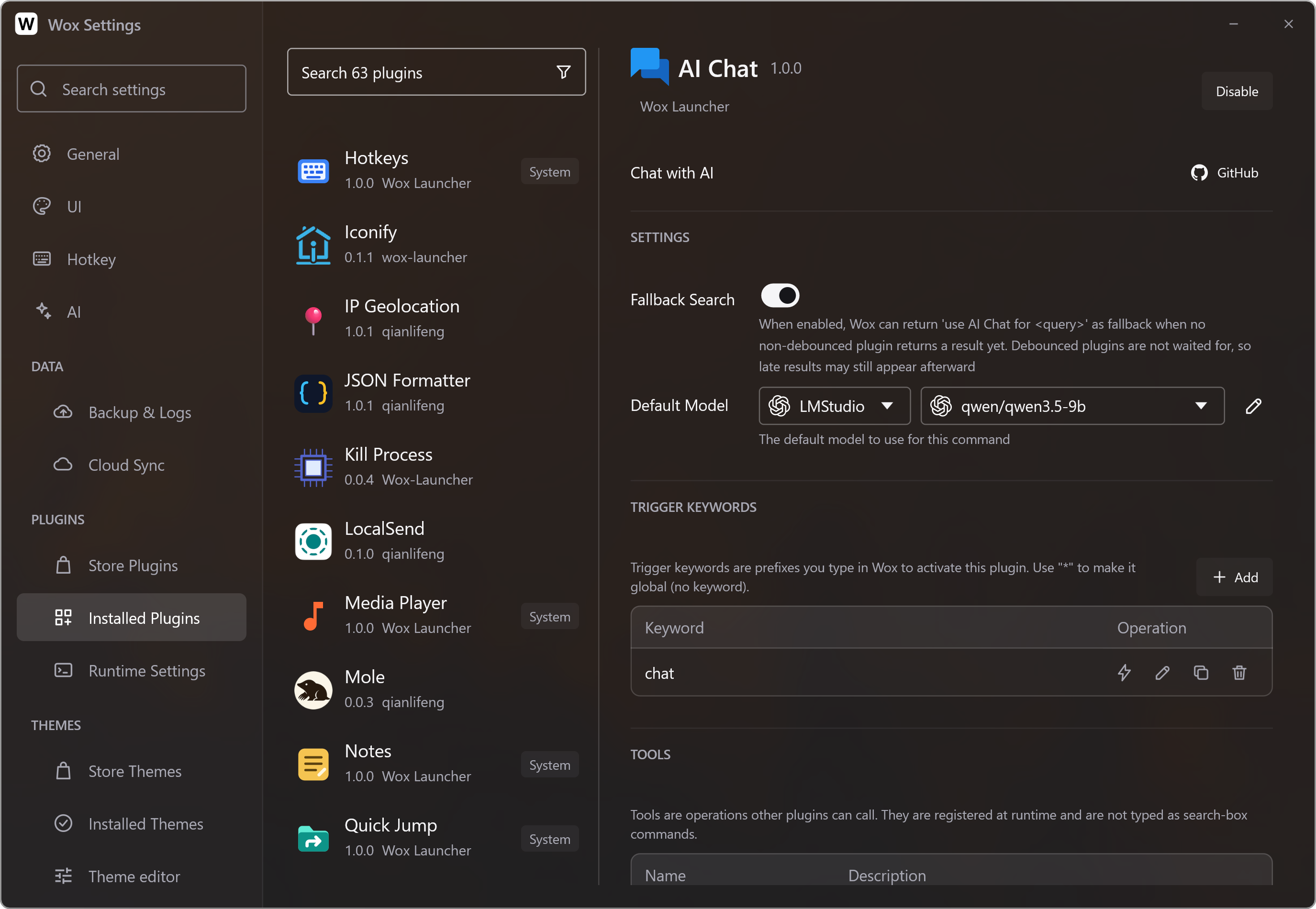
Simple doesn't mean taking everything away
One phrase helps us remember what we're aiming for: Keep it simple, keep it stupid. When you open Wox, you should be able to find what you need quickly, without first figuring out a pile of features and settings you don't use.
That's easier to say than to put into practice. A few settings for a command can accommodate different habits, for example. But if every command comes with a row of switches, someone opening Settings might be left wondering what to choose.
Wox still needs features and configuration. Opening apps, finding files, and looking through clipboard history are things many people do every day. We want those common tasks to work comfortably after installation, while leaving room for people to adjust things to their habits.
For features that are useful but not needed by everyone, though, perhaps they don't all need to come installed with Wox. That's why we've started looking again at our built-in plugins.
Letting plugins do more
One recent change is moving the built-in Timer and Dictation into standalone plugins planned for Wox v2.5.0. People who need them can install them; people who don't use them won't need to keep a separate set of settings.
Moving a feature into a plugin takes more than relocating code. The plugin needs to be able to do what it did before and work with the rest of Wox. We've expanded support for plugin windows and global hotkeys, while Wox continues to handle hotkey registration and conflicts. Features can continue to develop in plugins, with Wox providing capabilities they share.
Plugins have been part of Wox since v1 in 2013, and they're a core part of Wox. We'll keep expanding what plugins can do to meet more individual needs, while keeping the Wox core simple.