Inside Wox
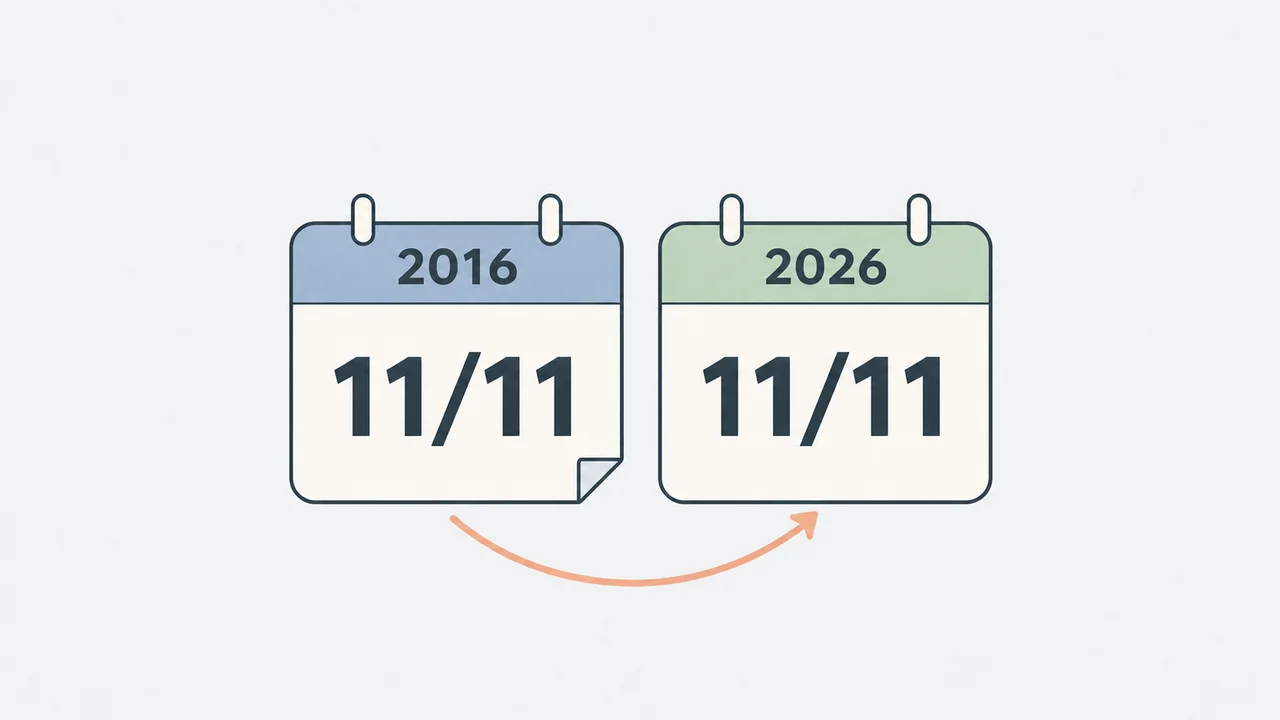
Ten years ago today
From a Windows launcher to AI that can take on tasks through conversation, a look at what the next ten years might bring.
Discover practical tips, shortcuts, and workflows that simplify repetitive tasks.
From a Windows launcher to AI that can take on tasks through conversation, a look at what the next ten years might bring.

Understand Wox's privacy controls for local history, network features, and anonymous usage statistics.
How plugins help Wox stay focused as AI makes features easier to create.
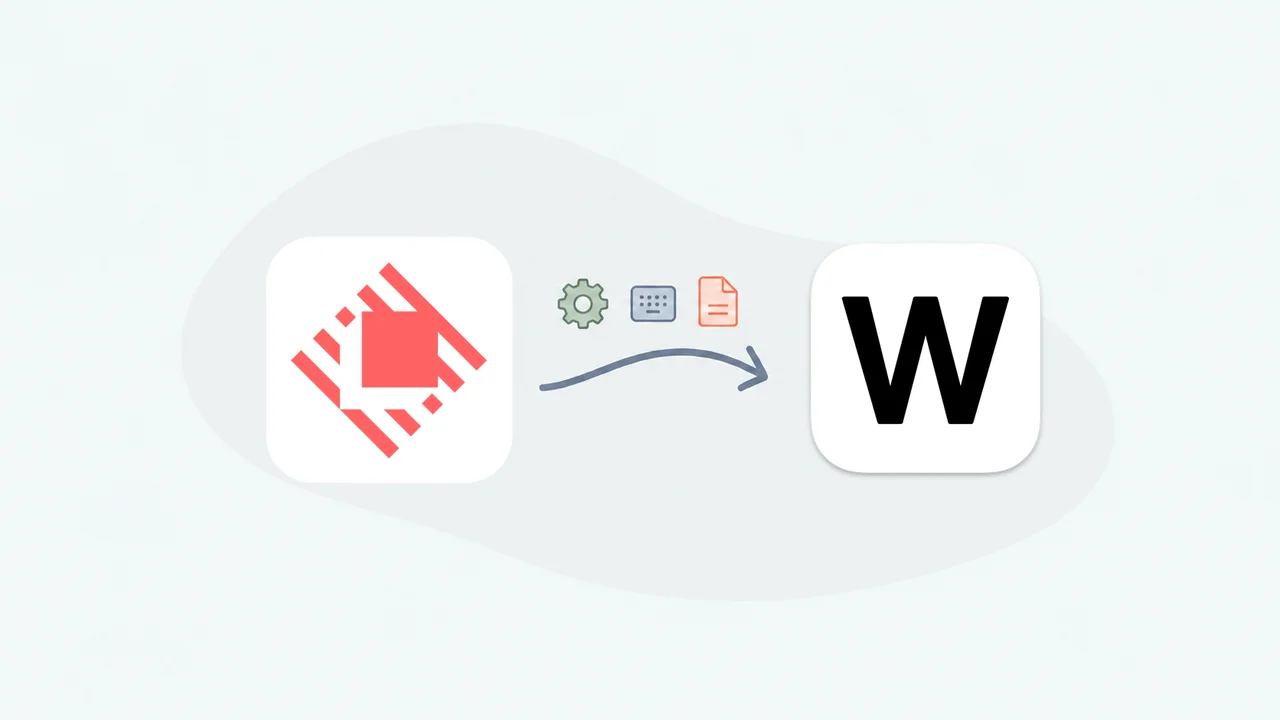
Bring familiar settings and local plugins to Wox, and learn why Wox does not offer the Raycast Store.

A live Omarchy theme, searchable desktop commands, and a more natural Hyprland workflow.
From WinAlfred in 2013 to a native launcher for three desktop platforms: why I returned to Wox, and what changed along the way.

Save your apps and window positions, then reopen and arrange your workspace in one step.
Select a file in Explorer or a file dialog and press Space to preview it without opening another app.
Combine an AI command with a shortcut to translate selected text and paste the result back in place.
Use app launchpad to browse installed apps and open them by their familiar icons.

Bind a website to a shortcut and check it in a compact Wox panel, with optional access from the tray.