
Wox 2.4.9
31 October 2026 · GitHub Release v2.4.9
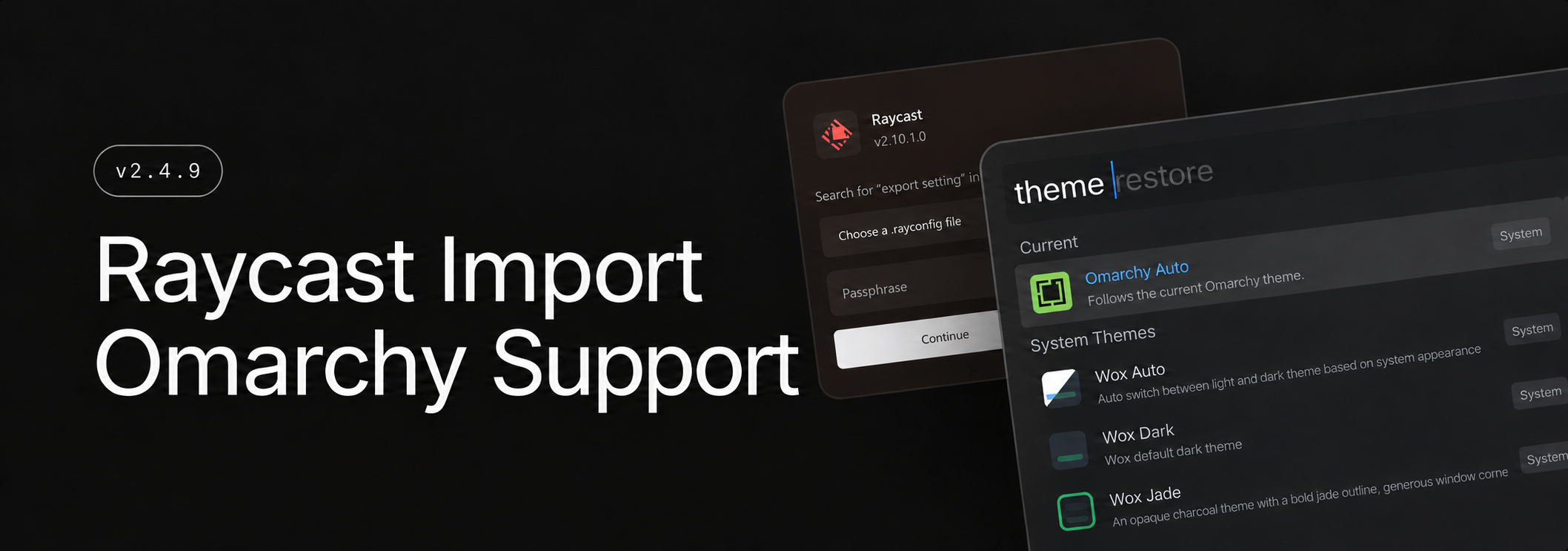
Import Raycast settings and plugins into Wox, and organize AI Chat conversations into projects. Wox also offers improved Omarchy support, including an Omarchy Auto theme that follows your desktop theme.
Add
- [
Raycast] Import a Raycast export during setup to bring over supported settings, shortcuts, notes, clipboard history, and other data. You can also import compatible locally installed extensions and use their commands in Wox. - [
Omarchy] Automatically follow the current desktop theme and search Omarchy menu commands in Wox. For details, see the Omarchy guide.
- [
Improve
- [
Notes] Organize and pin notes in the sidebar, search your notes, and find text within an open note. - [
AI Chat] Search conversation history, test provider connections in Settings, and organize conversations into projects. - [
Linux] On Hyprland, bring a running app's window forward, including on another workspace, and select windows for screenshots. App results can show CPU and memory usage. On Omarchy, use selected text in searches. - [
Web Search] Open saved websites and searches directly inside Wox, with the option to keep pages running in the background. Existing WebView sites move to Web Search. Query hotkeys can open a preview without the results list. #4659 - [
Hotkey] Choose Emacs or Vim-style keys to navigate results and the Action Panel, and customize the filter shortcut. #4682 - [
Screenshot] Compress MP4 recordings and show progress while they are saved. - [
Quick Jump] Use Directory Opus as a source when switching a file dialog to an open folder. #4670 @momadacoding - [
Plugin] Update installed plugins withwpm update.
- [
Fix
- [
Clipboard] Keep searches responsive with large histories, including histories with many images or long text. - [
Query] Rank close matches above scattered letters and keep unrelated past searches from pushing results up. - [
Launcher] Keep the launcher on the intended display when monitors use different scaling, and restore its position more reliably. #4680 - [
Screenshot] Keep the editing toolbar on the active display, and exclude the recording border from Linux captures. - [
Windows] Restore Snap support for resizable Wox windows and fix freezes when hiding Wox with software rendering enabled. #4637 - [
Browser] Fix links from Wox opening in the wrong default browser on Windows. #4674
- [
Store
- Plugin
- Asyntai AI Chatbot Read your website chats, leads and tickets, and ask your Asyntai AI chatbot, right from Wox. #4672 @asyntai
- TOTP Codes Query and copy TOTP codes, local storage, supports otpauth:// URIs #4676 @sqlwwx
- Window Pin Keep Windows applications above other windows @qianlifeng
- Theme
- Western Oil Painting A Western oil-painting frame in sage, ochre and sky blue, around a warm-paper workspace with a pink query box, gold toolbar and deep burnt-sienna selection. #4678 @dragonish
- Plugin