
AI 命令
AI 命令把一段保存好的 prompt 变成可重复使用的 Wox 命令。适合经常把同一类文本发给模型:改写选中文本、总结 diff、翻译一段话,或解释报错。
先完成 AI 设置。
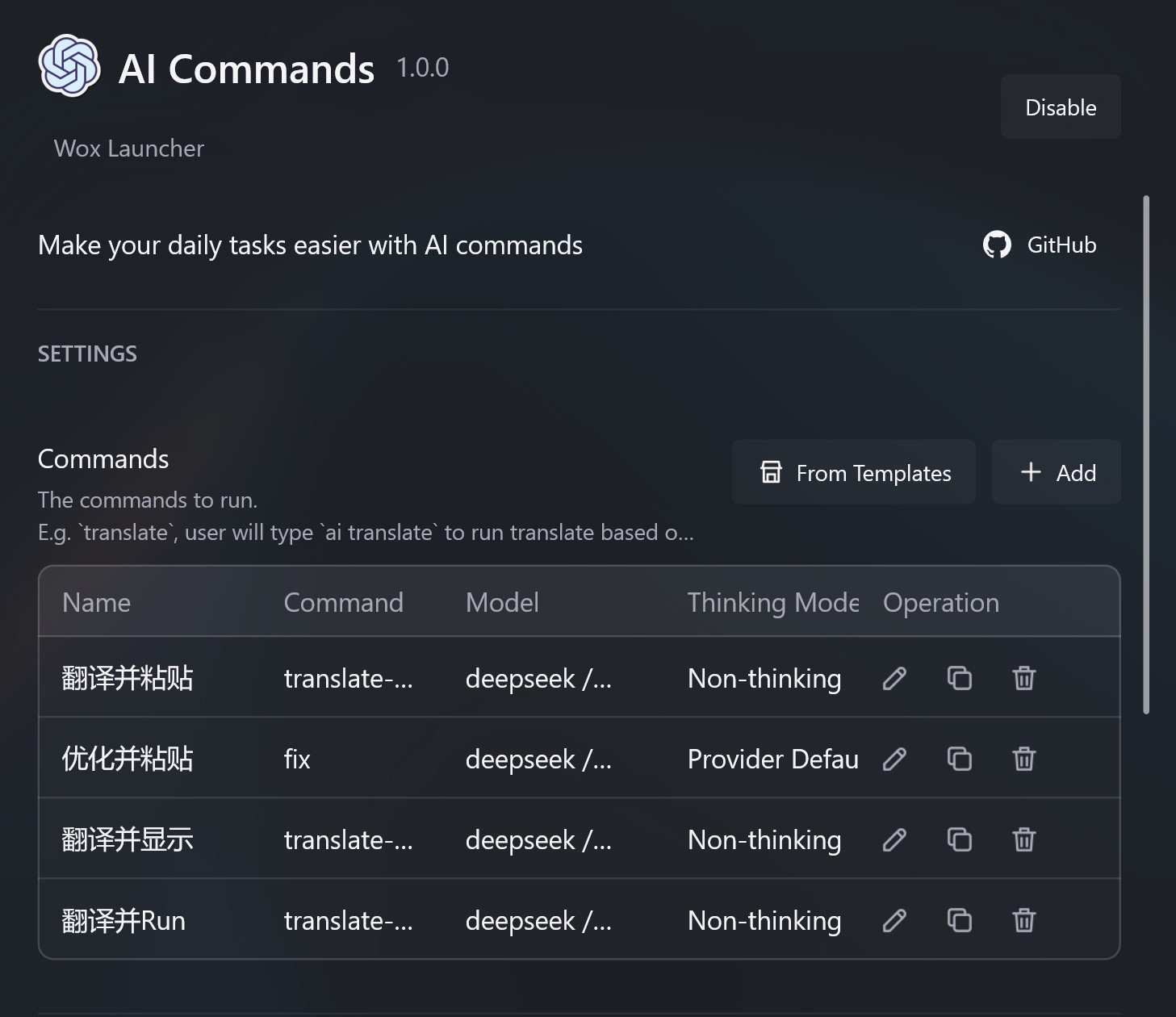
创建命令
- 打开 设置 -> 插件 -> AI 命令。
- 打开命令列表。
- 添加命令,填写名称、查询关键字、模型和 prompt。
- 在 prompt 里用
%s表示 Wox 要插入的输入。
如果命令需要读取当前选区,也可以插入 {wox:selected_text} 或其他查询变量。
示例:根据 diff 写提交说明
命令设置:
| 字段 | 值 |
|---|---|
| 名称 | git commit msg |
| 查询 | commit |
| Vision | No |
Prompt:
text
Write a Git commit message for this diff.

Rules:
- First line: imperative mood, 50 characters or fewer.
- Then a blank line.
- Then 2-3 bullet points explaining the concrete changes.
- Output only the commit message.

Diff:
%s
再加一个 macOS shell 辅助函数:
bash
commit() {
  local input
  input="$(cat)"
  python3 -c 'import sys, urllib.parse; print("wox://query?q=ai%20commit%20" + urllib.parse.quote(sys.stdin.read()))' <<< "$input" | xargs open
}
在 Git 仓库里这样用:
bash
git diff | commit静默命令
把快捷键查询绑定到 ai commit 或 ai translate {wox:selected_text},并选择 静默执行 预设,就可以不打开启动器直接运行。见 快捷键。
怎样写更好的 prompt
- 说清楚输出应该是什么。
- 说清楚不要包含什么。
- 把可复用规则写在保存的 prompt 里,运行时只传入会变化的输入。
- 不要把私密内容发给在线 provider,除非这符合你的工作流。