
File search launcher for Windows, macOS, and Linux
Updated October 2026 · Latest v2.4.9 · GitHub Release · Changelog
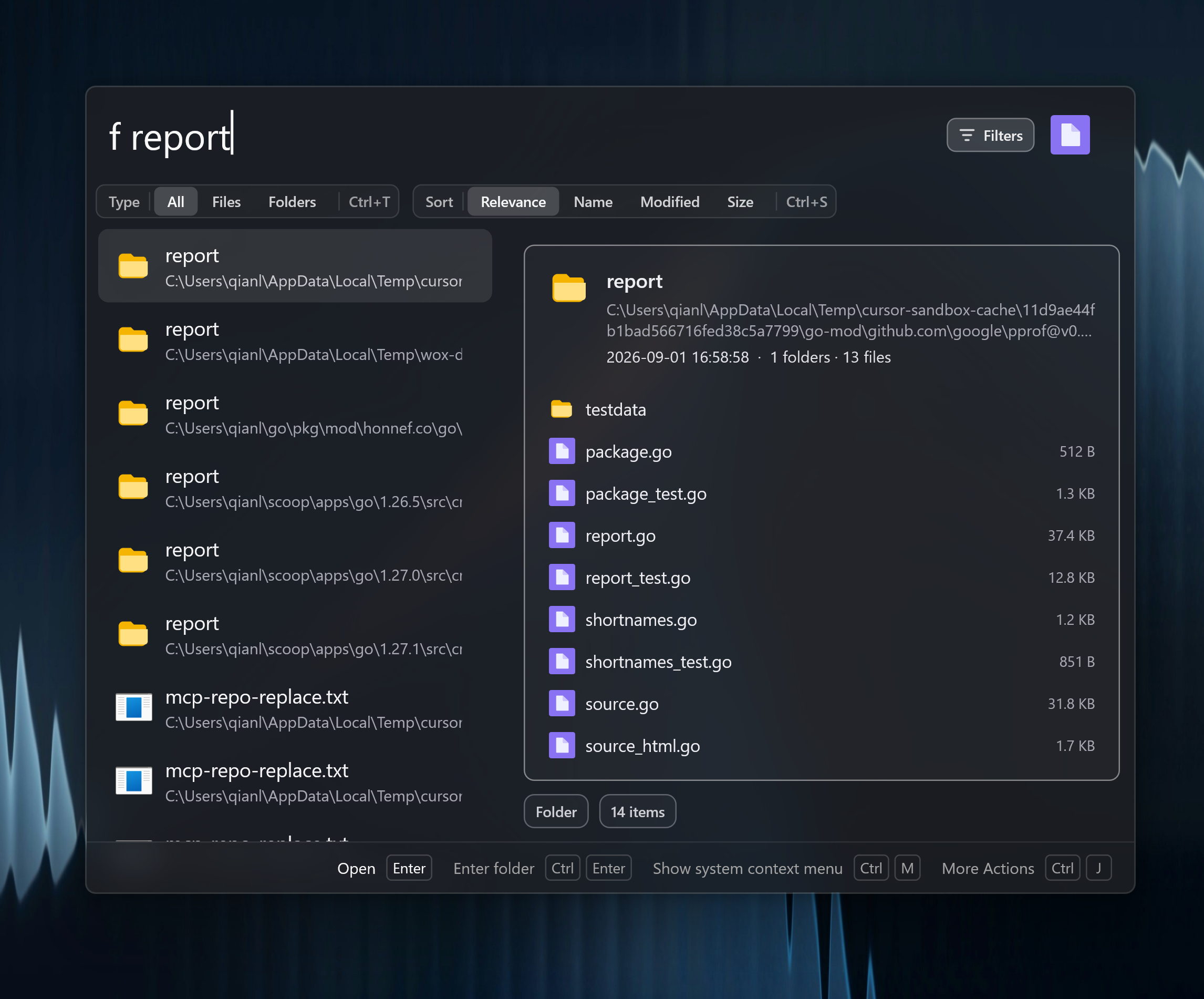
Wox searches local files from the launcher on Windows, macOS, and Linux. The regular index uses roots you choose. Results stay in the same list as apps and clipboard items.
What it is
Use the f keyword when you want file results instead of a global mix. The regular index uses directories you configure and skips common generated folders.
An empty f query shows recent files from the OS: Windows Jump Lists, macOS Spotlight last-used dates, and Linux recently-used.xbel.
On Windows, File Search can use optional Fast Index: an NTFS service that reads the volume MFT and USN journal so large drives stay current without a full crawl. Fast Index searches indexed NTFS volumes independently of filename roots and shipped in v2.4.2. macOS and Linux keep the regular root-based index.
Why it is not Everything-only
Wox does not require Everything. Filename search uses Wox's own index. Content-search directories are configured separately from filename roots.
How to use it
Roots, ignore patterns, Fast Index, content search, and troubleshooting are in the File plugin guide.