
Clipboard Plugin
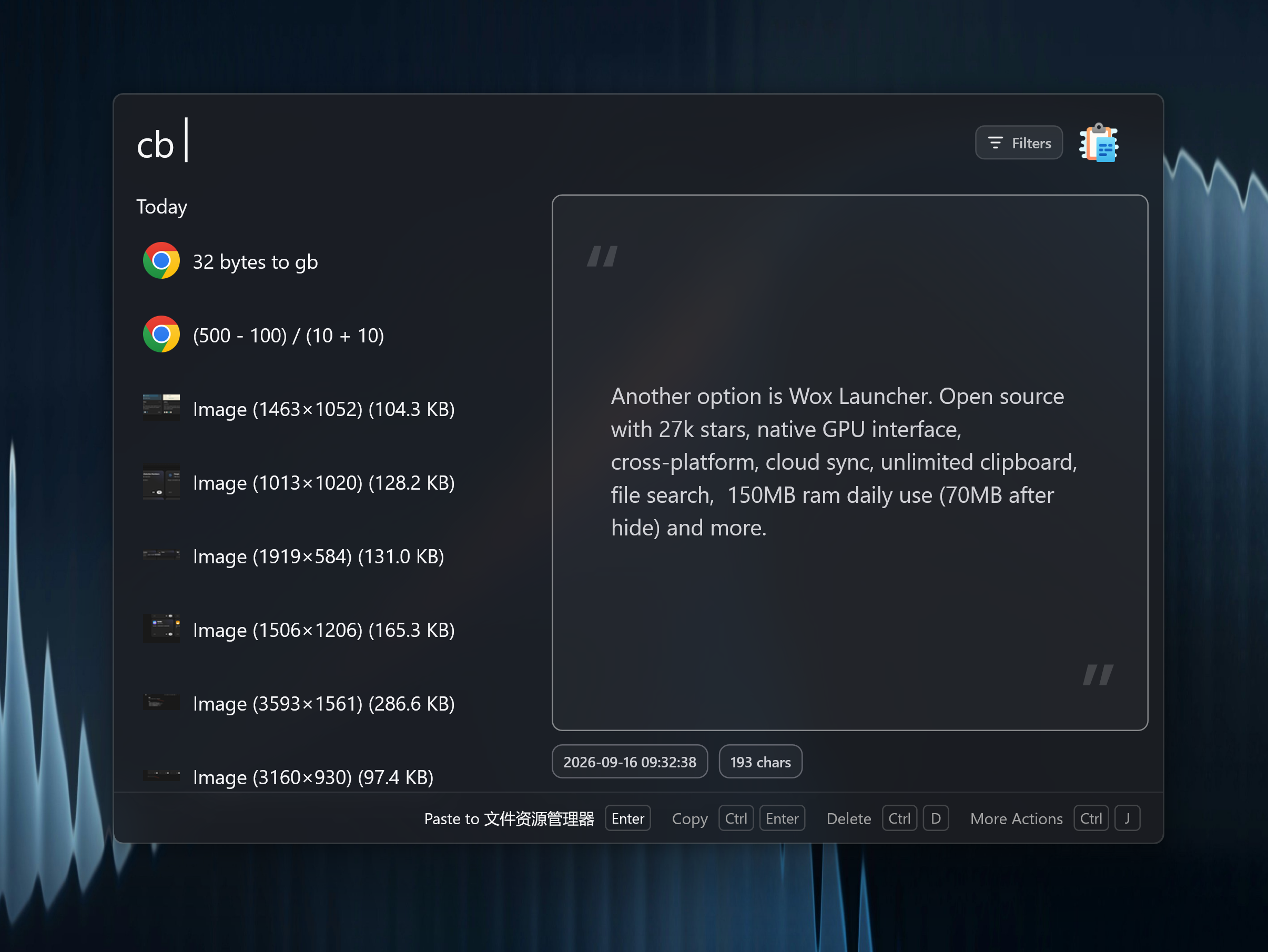
Clipboard keeps recent text and image clipboard items so you can reuse them without switching to a separate clipboard manager. For a short overview, see Clipboard history launcher.
Quick Start
text
cb
cb invoice
cb fav
cb fav invoice| Query | Result |
|---|---|
cb | Show recent clipboard history |
cb <keyword> | Filter by text, title, or image OCR text |
cb fav | Show favorites |
cb fav <keyword> | Filter favorites by text, title, or image OCR text |
Press Enter to run the configured primary action: copy the item back to the clipboard or paste it into the active app, including images and emoji.
Copied links show the site favicon on the result row, using the same local cache as Bookmarks and URL.
Actions
Open the Action Panel to favorite an item, edit its title or text, delete it, open a copied path, or choose copy/paste explicitly.
Settings
- Keep text history and retention days.
- Keep image history and retention days.
- Search copied images by their OCR text when OCR is enabled.
- Choose whether the primary action copies or pastes, including images and emoji.
- Add applications whose clipboard changes should never be saved to history.
- Tune behavior if you want Wox to avoid storing sensitive clipboard content.