
Backup and Restore Plugin
Backup creates a local copy of Wox user data and restores it later. Triggers are backup and restore.
Quick Start
text
backup
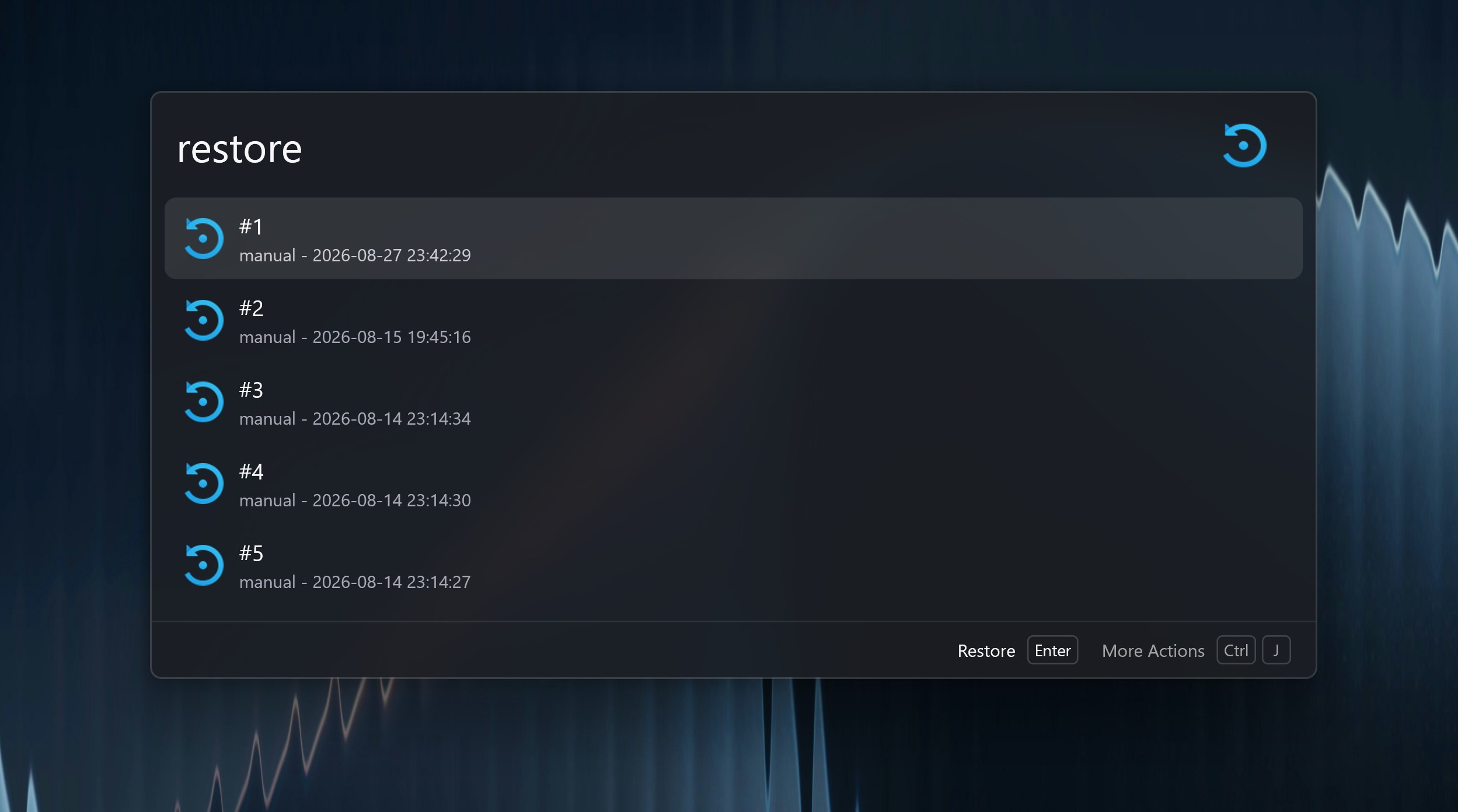
restore
Backups are saved under %USERPROFILE%\.wox\backup on Windows and ~/.wox/backup on macOS and Linux. They are not exported to an external folder automatically.
Before resetting Wox:
- Run
backupand execute the backup action. - Run
restore, select the new backup, and use Open Folder in the Action Panel. - Copy the entire backup folder to a location outside the directories you plan to remove. Deleting
.woxalso deletes the backups stored inside it.
To restore a copied backup on another installation, place its complete folder, including backup.json, inside that installation's .wox/backup directory, then run restore and select it. Restore replaces the active user data, so back up the destination first.
Cloud Sync can keep supported data in sync across devices; see Cloud Sync.