
Floating notes in the launcher
Updated September 2026 · Latest v2.4.5 · GitHub Release · Changelog
Wox includes floating Notes so you can capture something without switching to a separate notes app.
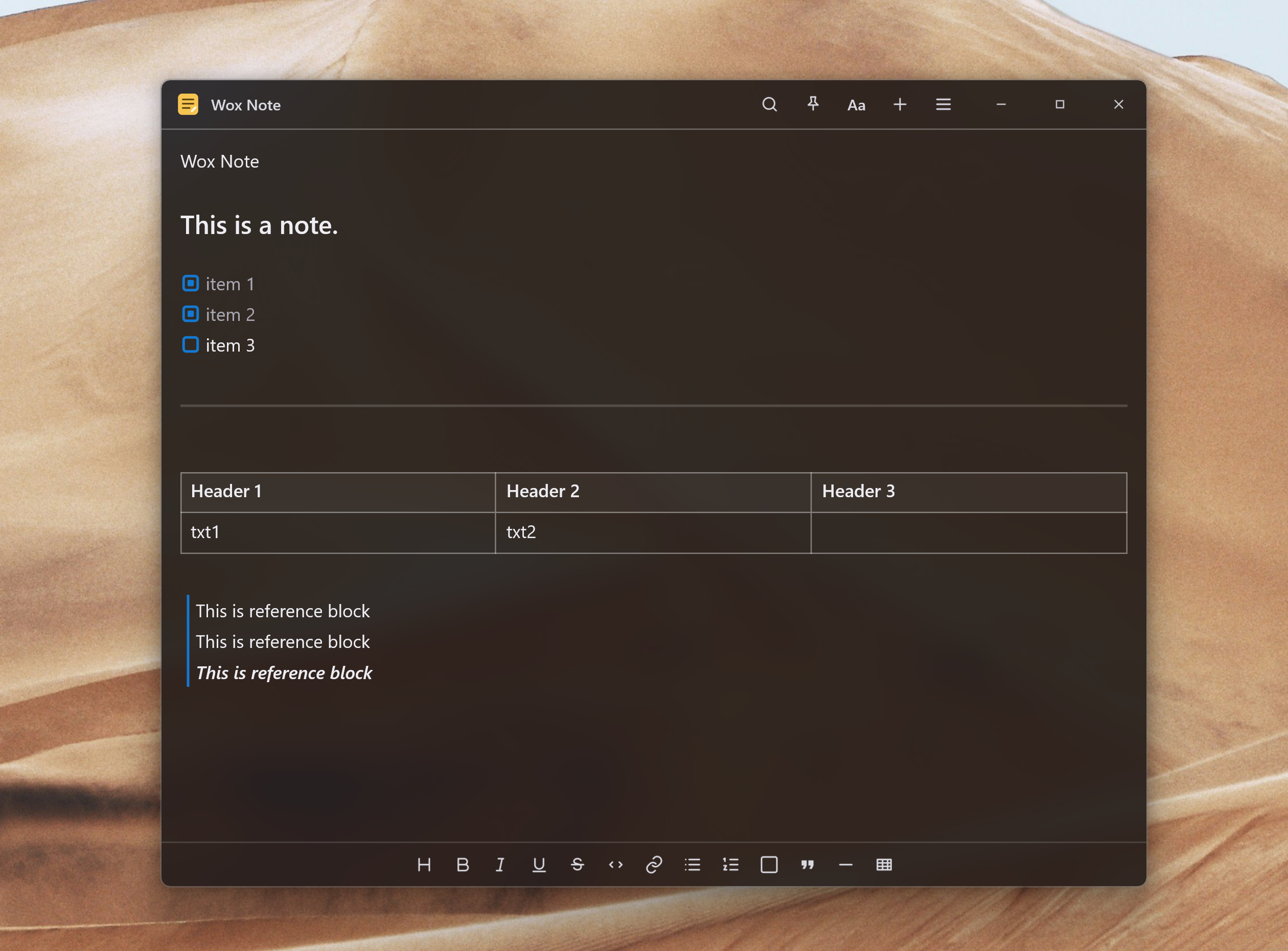
What it is
Query note to search notes, or note new to create one. Each note opens in its own window. You can write rich text, checklists, tables, and attach images.
| Query | Result |
|---|---|
note | Search and reopen notes |
note new | Create a note |
note search invoice | Filter by title or text |
note deleted | Browse recently deleted notes |
Notes can be pinned, including across macOS Spaces. You can export Markdown, text, or HTML. Cloud Sync can sync note text; images stay on the device.
Capture from other plugins
Clipboard, File Search, Screenshot, Selection, Quick Jump, and Shell can save the current item to Notes from the Action Panel. You do not have to copy it by hand first.
How to use it
- Open Wox and type
note new. - Write in the note window. The launcher can hide; the note stays open.
- Later, type
noteand pick the note to bring it back.
Deleted notes stay recoverable for 60 days, then they are purged.