
Folder Plugin
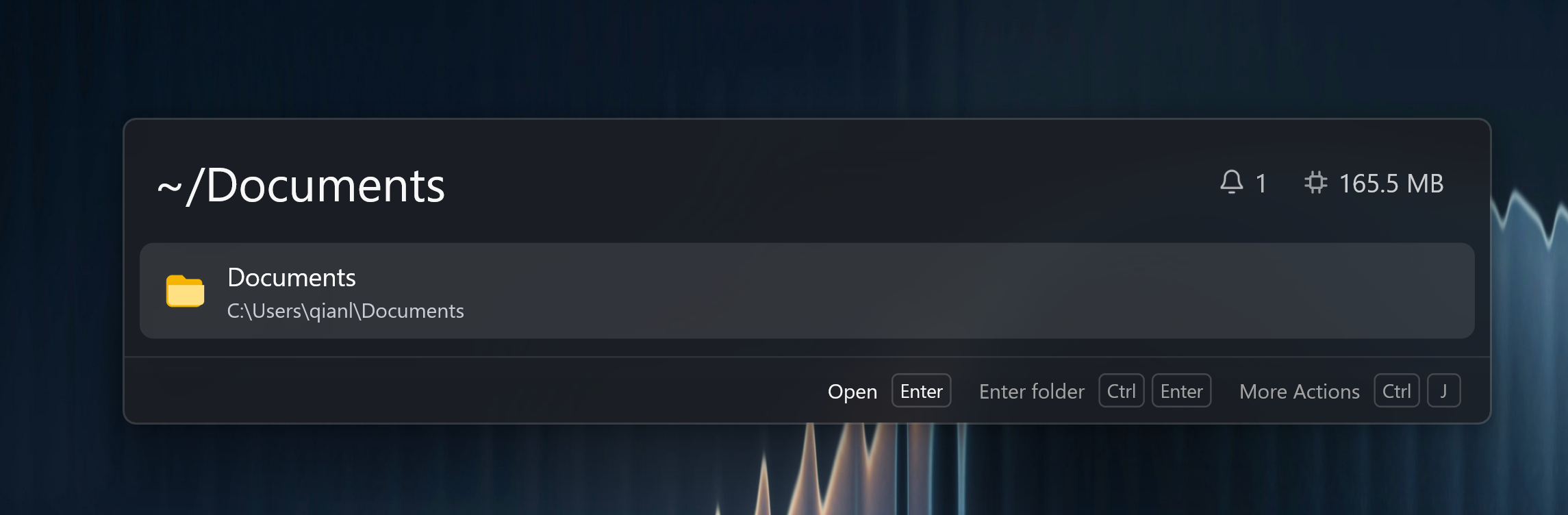
Folder completes directory paths as you type. It listens globally, so a path such as ~/Documents or %LOCALAPPDATA% can become a folder result without a keyword. The default keyword is cd, and it can be renamed or removed in plugin settings.
Browse actions use the keyword configured for Folder at that moment. This includes Shift+Enter inside Folder and File Search. A keyword query keeps the file preview available, collapsed until you open it. If every concrete keyword has been removed, browsing falls back to a global path query, which does not carry a preview.
Quick Start
cd ~/Documents
~/Documents
C:\Users
%LOCALAPPDATA%
Press Enter to open the folder. Press Shift+Enter to browse it inside Wox, then use the same shortcut to enter subfolders. On a file result, Shift+Enter browses its containing folder. The shortcut also works for favorites. The Action Panel provides these actions, opening the containing directory in the file manager, running a Shell command here, and toggling hidden files.
Favorites
Open Settings -> Plugins -> Folder to save named favorite paths. Favorites are per operating system.
Related
- File Search for finding files by name
- Quick Jump for jumping inside Explorer, Finder, or dialogs
- Shell for running a command in a folder