
Chat Plugin
Chat opens an AI conversation inside Wox. Configure an AI provider before using it.
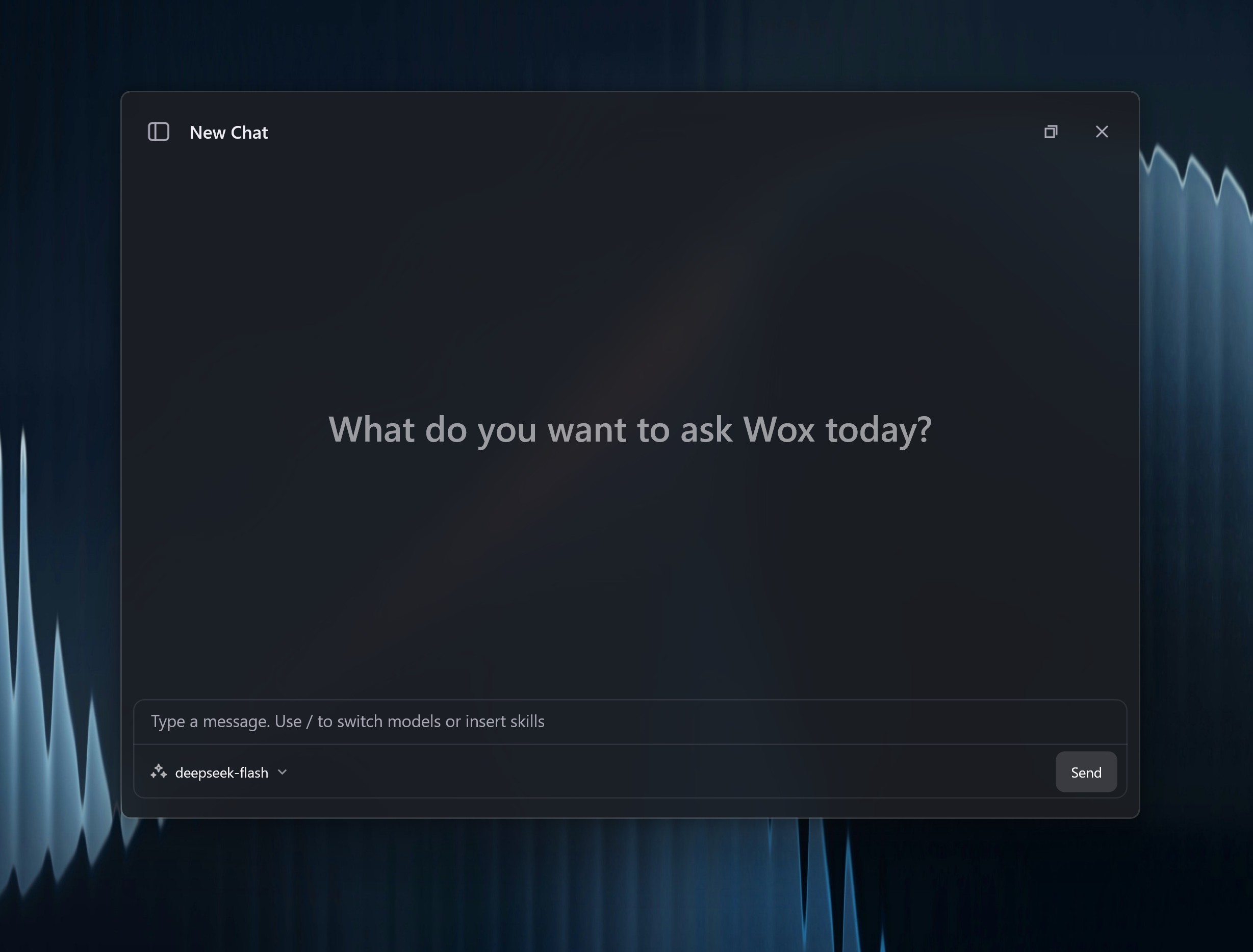
Quick Start
text
chat How do I use Wox?You can continue from chat history, switch agents, attach selected text, files, or images, and use configured MCP tools when the selected agent supports them.
A conversation can be popped into a dedicated window. The unsent draft stays there after the launcher hides.
Settings
| Setting | Use |
|---|---|
| Default model | Model used for a new conversation |
| Agents | Saved prompt, model, icon, and tool presets |
| MCP servers | Tool providers available to agents, including JSON import and OAuth |
| Skills | Reusable local or remote skills the agent can call |
| Auto focus | Focus the chat input when opening chat |
| Fallback entry | Show a chat result when no other plugin has a better match |
{wox:...} placeholders in the composer appear as tokens. The composer grows from one to five wrapped lines as you type.
Privacy
Chat messages are sent to the selected model provider. Do not paste secrets, private documents, or selected text into online models unless that is acceptable for your workflow.