
WebView Plugin
WebView previews a configured website inside Wox. It is available on Windows and macOS.
Quick Start
text
webview x
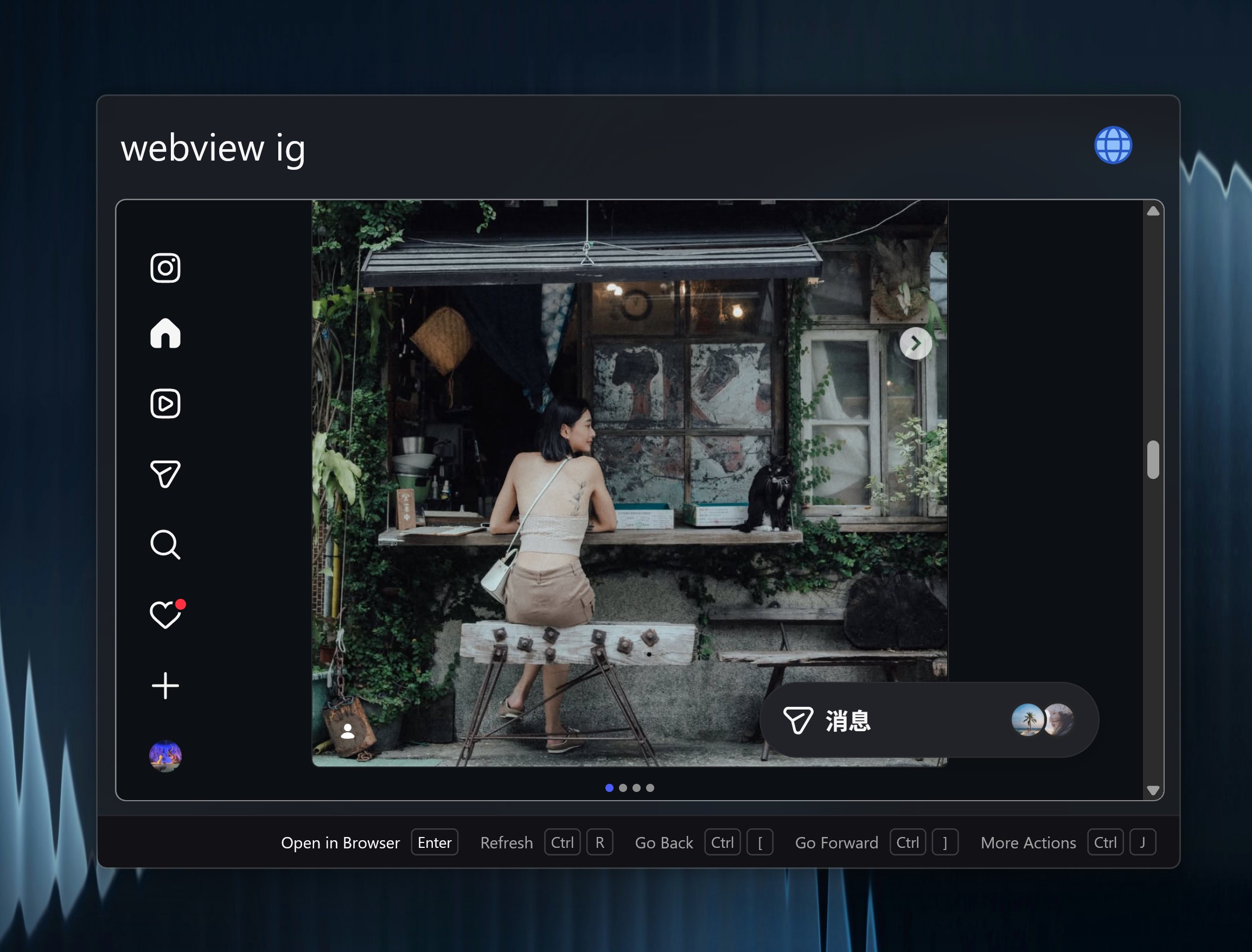
webview ig
Default keywords include x for X and ig for Instagram. Add your own keyword and URL in Settings -> Plugins -> WebView. You can set a user agent, inject CSS, or keep a site running in the background per site. Use Close Webpage in the Action Panel (Ctrl+W / Cmd+W) to destroy the current page and release its memory. Query-hotkey full preview windows also offer Hide Webpage when Run in background is on.
Bind a Query Hotkey with the Preview Query preset to open a site as a compact panel. See Hotkeys.
When you need the full browser, use the Open in Browser action.