
Quick Jump Plugin
Quick Jump was previously called Explorer. It is contextual: it helps you move between folders when File Explorer, Finder, or an open/save dialog is active. The trigger keyword is jump.
Windows and macOS are supported. Linux does not have this plugin.
In File Explorer or Finder
Open Wox while the file manager is focused and type part of a child folder or file name:
Documents
Downloads
project
Matches in the current directory rank above the rest of the index. Select a folder to navigate there. Use the Action Panel to reveal it, open it in a separate window, or save it to Notes.
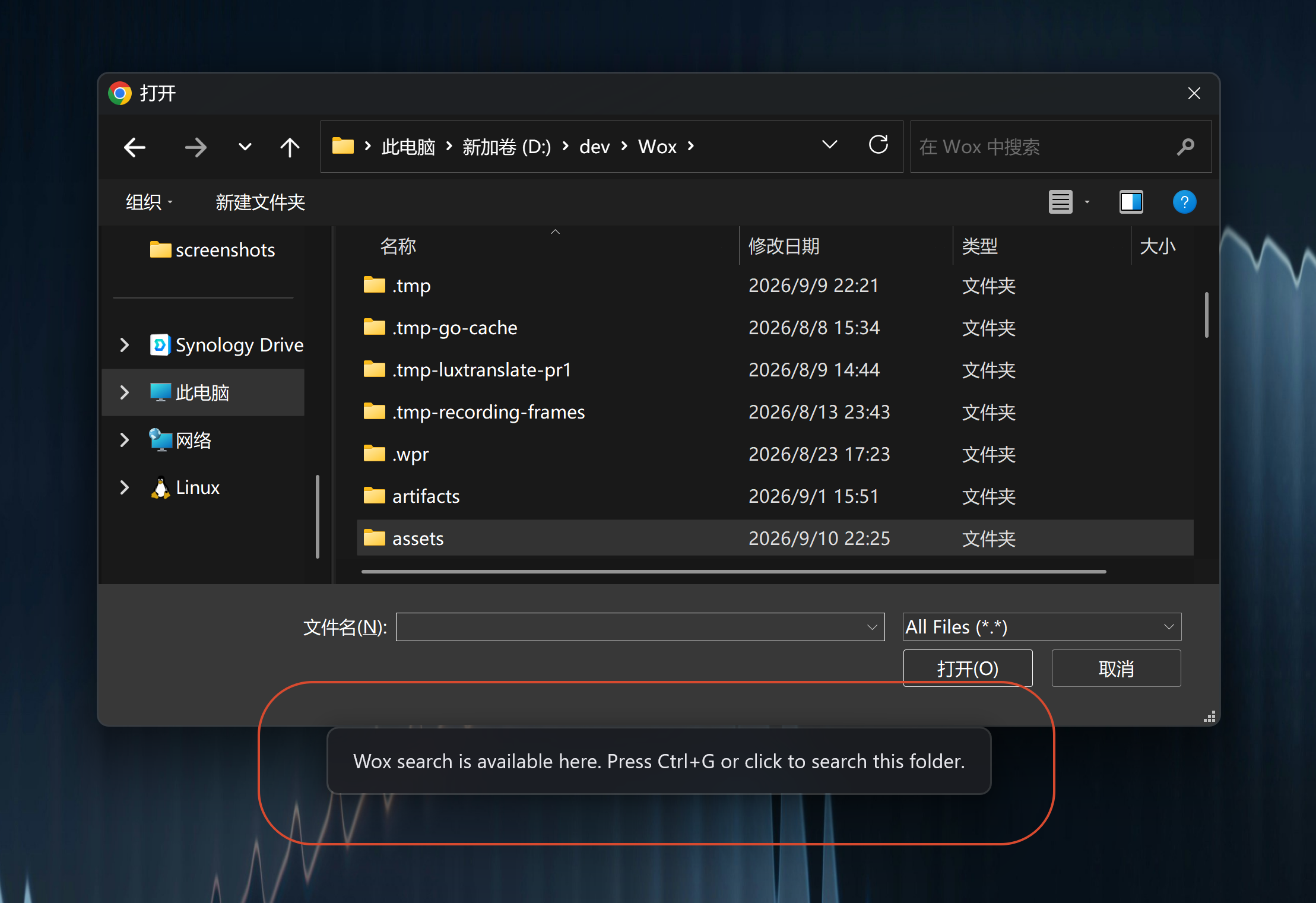
In Open/Save Dialogs
Open Wox while a dialog is active to jump to:
- Folders already open in the file manager
- Recently used folders for the active app
- Saved Quick Jump paths
- Common locations such as Desktop, Documents, and Downloads
Wox can also navigate its own Windows folder pickers, including 32-bit hosts such as Office and Foxmail.
Saved Paths and Ignored Apps
Open Settings -> Plugins -> Quick Jump to:
- Save per-OS folder paths for
jump add - Ignore applications that should not trigger Quick Jump
jump addQuick Switch
When a file manager and an open/save dialog are both available, Quick Jump can switch between them so you land in the folder you were already browsing.
Notes
- Results stay quiet when no supported context is active.
- If an app's dialogs misbehave, add that app to the ignore list instead of disabling the plugin.