
Offline dictation in Wox
Updated September 2026 · Latest v2.4.5 · GitHub Release · Changelog
Dictation turns speech into text on your machine. Models are downloaded and run locally; Wox does not send the audio to a cloud speech API.
What it is
Open Settings -> Plugins -> Dictation to choose:
- A press, double-press, or hold hotkey
- The microphone
- A downloadable offline model
- Whether the model loads lazily or stays ready
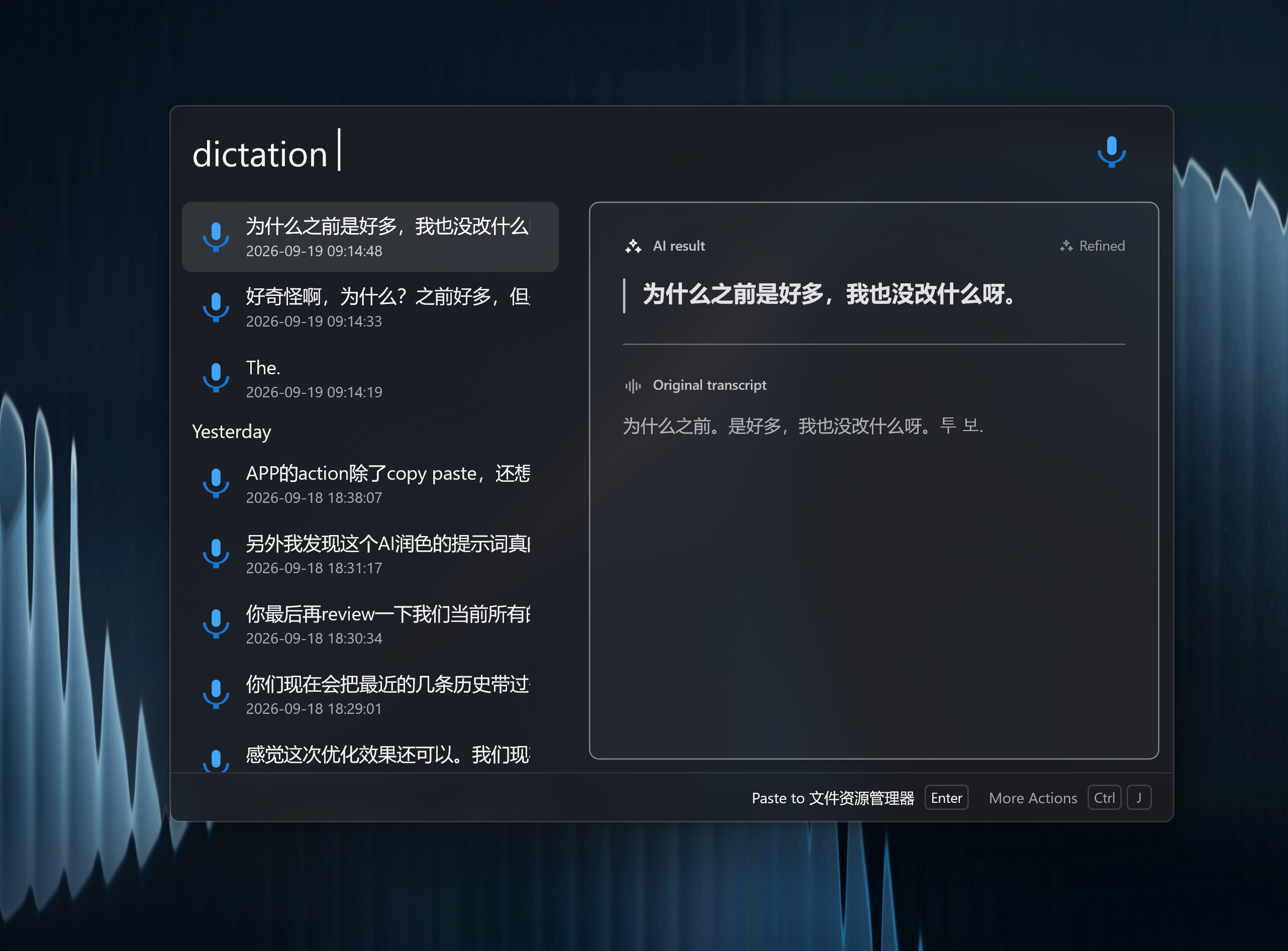
While you speak, Wox shows a live status overlay. When you stop, the transcript is stored in searchable history. You can play the original audio and keep both the raw transcript and an AI-refined version.
After you speak
Custom actions can:
- Type the transcript into the active window
- Show it as an overlay
- Refine it with a configured AI model
- Start AI Chat with the transcript
Query dictation to open history and manage models.
Privacy
Audio stays local unless you choose an action that sends the transcript to an online AI provider. Keep AI refinement disabled if you want dictation to remain fully offline.