
Emoji Plugin
Use emoji to search and copy emoji from Wox.
Quick Start
text
emoji smile
emoji check
emoji heart
emoji flag
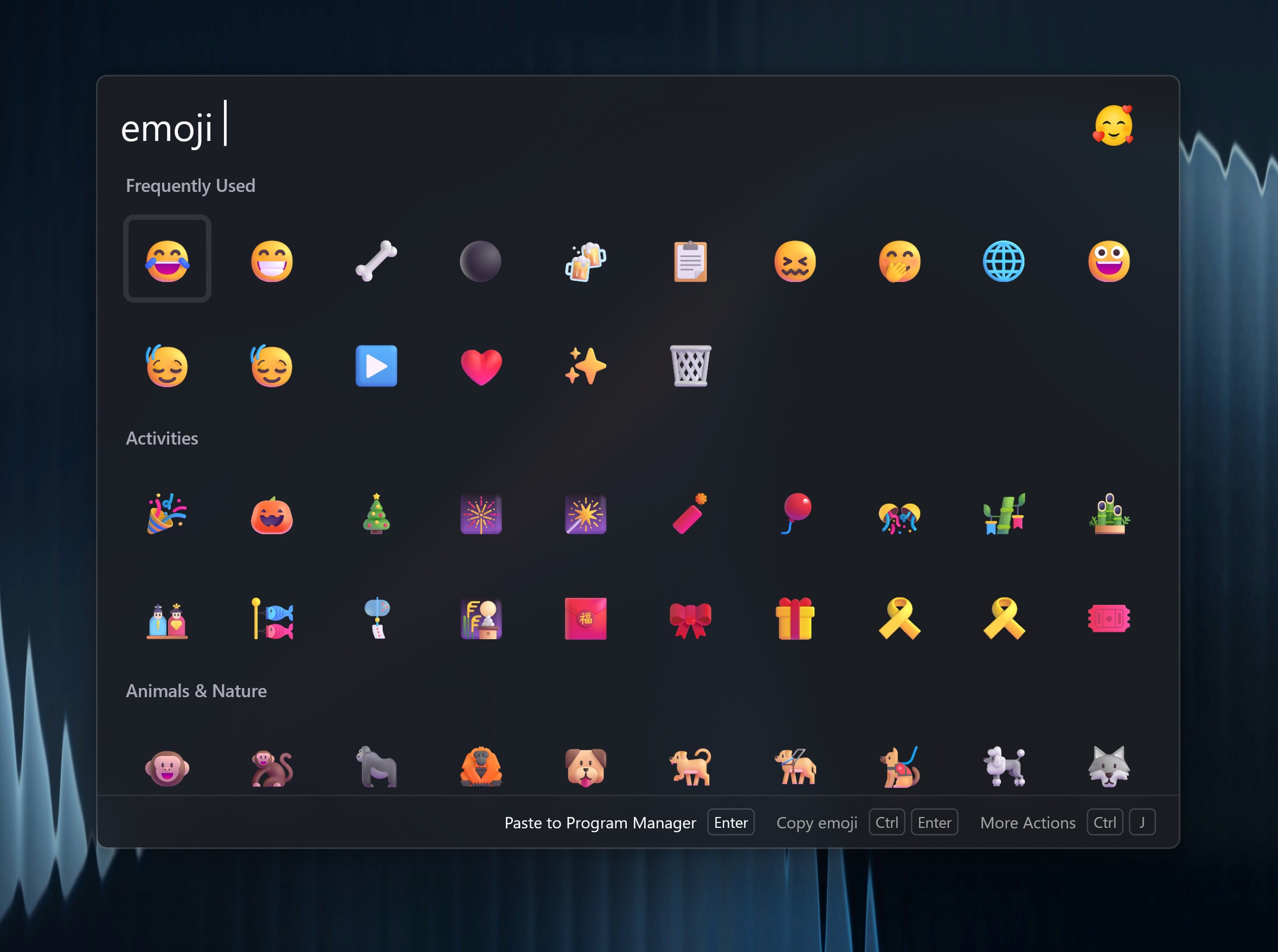
Results use a grid layout so you can scan many choices quickly. Press Enter to copy the selected emoji. The Action Panel can copy a larger emoji image, add a keyword, or paste into the active window when available.
AI Matching
AI matching is optional. When enabled, Wox can match descriptive phrases that are not part of the built-in emoji names.
- Configure an AI provider in AI Settings.
- Open Settings -> Plugins -> Emoji.
- Enable AI matching and choose the model.
text
emoji green success mark
emoji red warning
emoji cloudy weather
AI matching sends your query text to the selected model. Keep it disabled if you want emoji search to stay fully local.
Ordering
Frequently used emoji are promoted over time. If a common emoji is not first the first time you search, copy it normally; Wox will learn from usage.