
Theme Manager
Theme applies, installs, removes, and restores Wox themes.
Quick Start
text
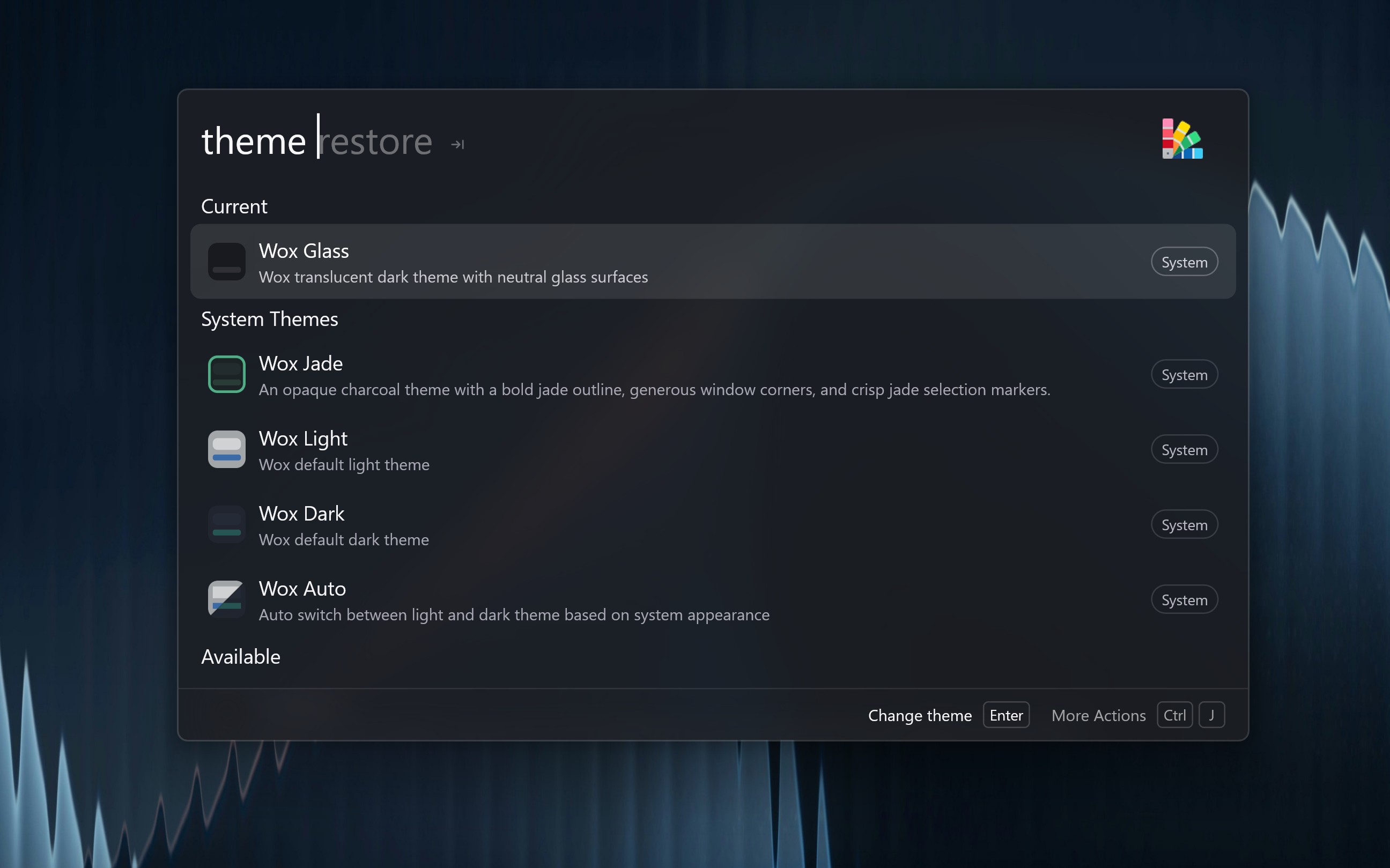
themetheme lists the current theme, system themes, and store themes. Press Enter to apply a theme.
In Settings → Installed Themes, Wox Auto follows the system light/dark appearance. You can also create named Auto themes at the bottom of that list, pick a light theme and a dark theme, and apply the new Auto theme like any other. Edit a user Auto theme from its detail pane; the built-in Wox Auto pair stays read-only.
AI assistance is available in Settings → Theme editor and needs a configured provider. See Theme generation and the theme store.