
Application Plugin
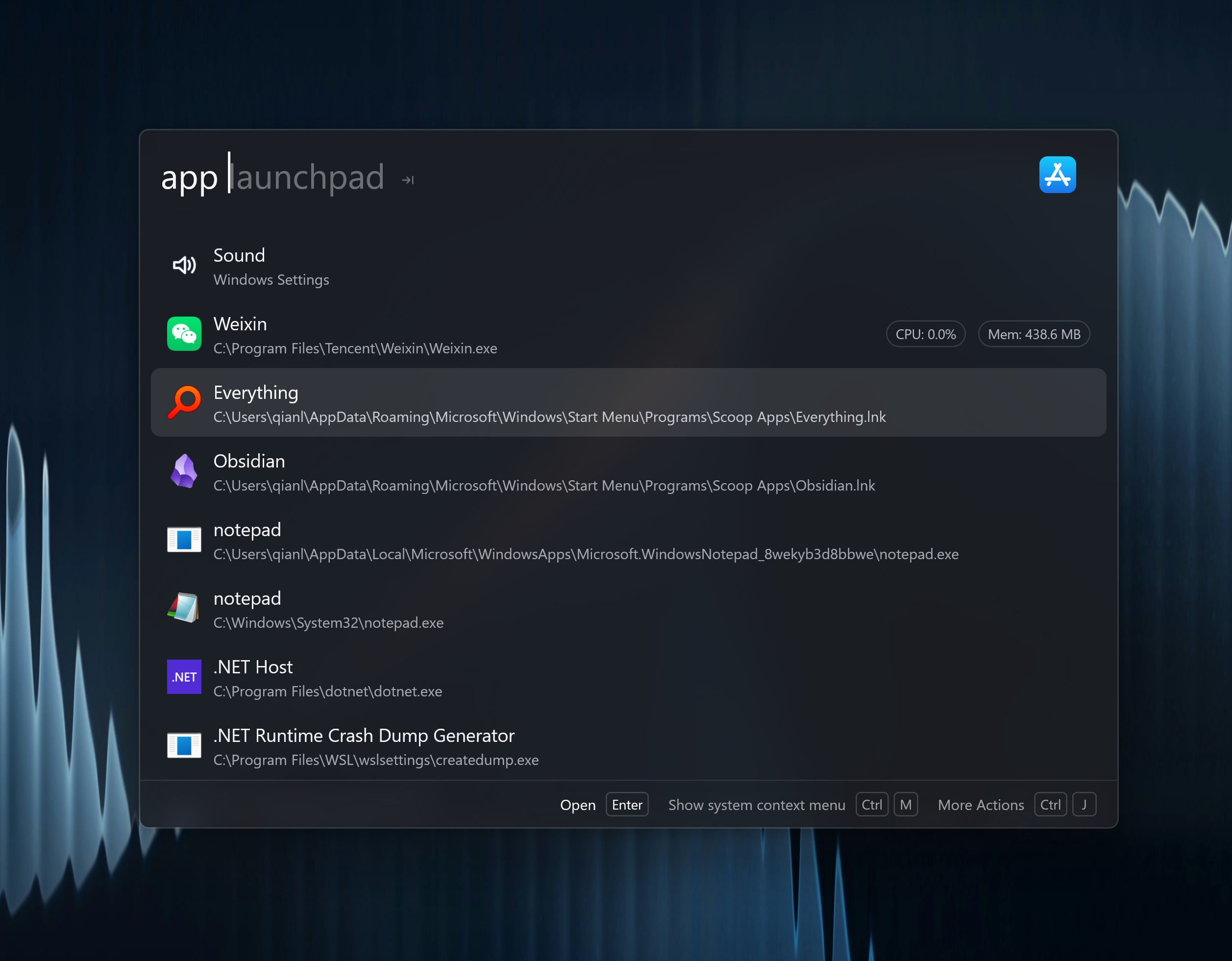
Application search is a global plugin. Type an app name directly; no keyword is required. app is also available when you want only application results.
Quick Start
chrome
visual studio code
settings
app launchpad
Press Enter to open the selected app. If Wox can detect that the app is already running, the result can activate the existing window instead of starting another instance.
app launchpad switches to a grid of installed apps. Bind a Query Hotkey to that command if you want a Launchpad-style shortcut.
Actions
Open the Action Panel on an app result for secondary actions:
| Action | Use |
|---|---|
| Open | Launch or activate the app |
| Open containing folder | Reveal the app file in the system file manager |
| Copy path | Copy the executable or bundle path |
| Uninstall | On Windows, start the same ARP/UninstallString or Store package removal used by Settings. On macOS, move a user-installed app to the Trash |
| Show context menu | Open the system context menu when supported |
| Terminate app | Stop a running app when Wox can identify the process |
App Sources
Wox indexes common application locations for each platform:
| Platform | Sources |
|---|---|
| Windows | Start Menu entries, Program Files, WindowsApps, UWP apps, Windows settings pages |
| macOS | /Applications, .app bundles, system settings panels |
| Linux | .desktop files and configured app directories |
Settings
Open Settings -> Plugins -> Application to:
- Add custom app directories for portable tools
- Index apps from the Action Panel
- Hide apps from search with wildcard rules or selected-app ignore rules, and preview the matches before saving
Result Ordering
The plugin uses matching score and MRU data. Apps you launch often move up over time. Use the Action Panel to reset a result's usage-based ranking if the wrong app stays first.
Troubleshooting
A new app is missing
- Wait up to 15 seconds for indexing.
- Index apps from the Action Panel, or restart Wox.
- Add the app's parent directory in plugin settings if it is a portable app.
- Confirm the app is not hidden by an ignore rule.
The wrong app appears first
Launch the correct result a few times, or reset ranking from the Action Panel.
CPU or memory details do not appear
Runtime details are shown only when Wox can map the result to a running desktop process. Store apps, settings panels, or unsupported desktop environments may not expose that data.