
Screenshot capture and history in Wox
Updated September 2026 · Latest v2.4.5 · GitHub Release · Changelog
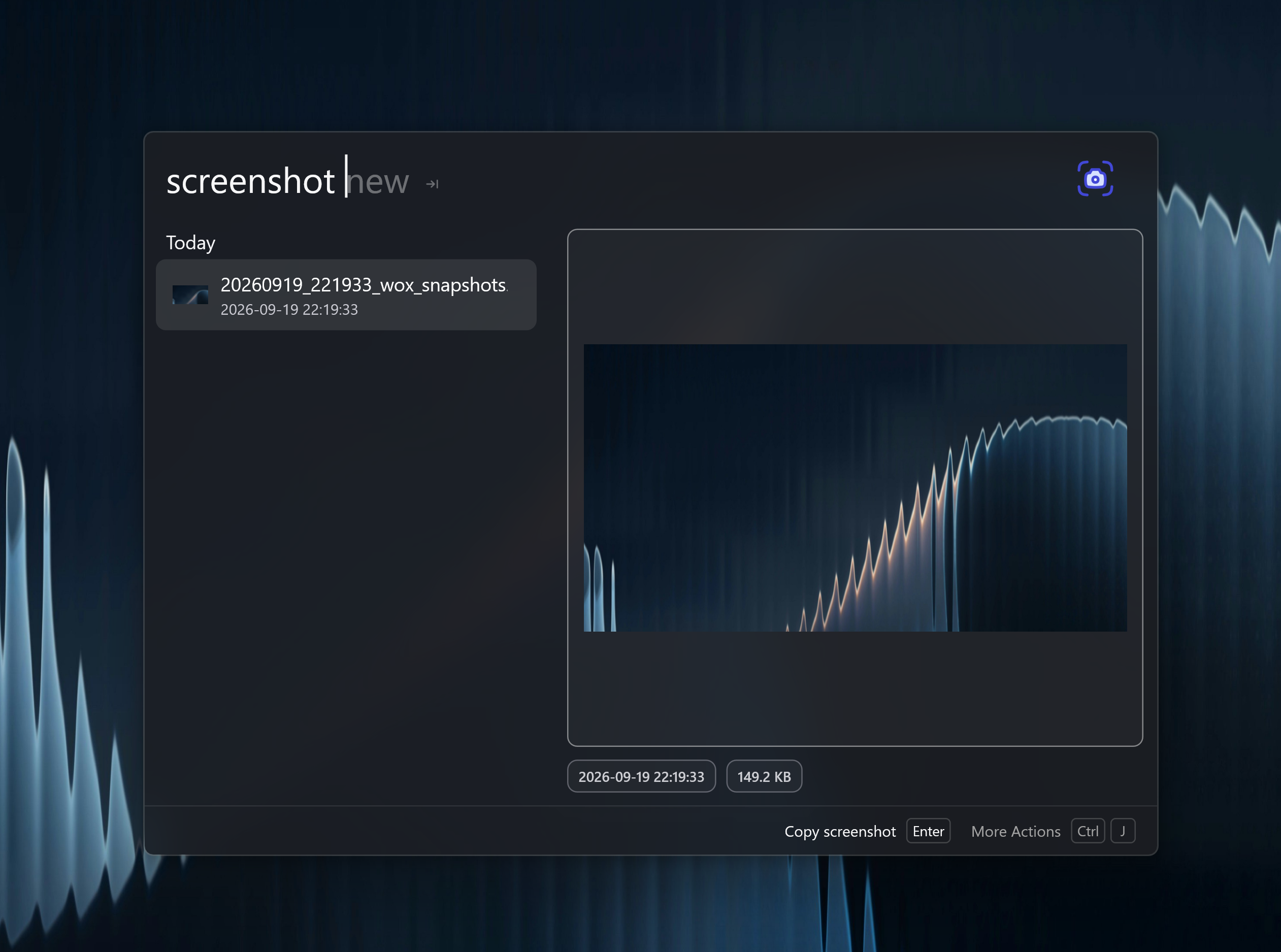
The Screenshot plugin captures the screen, lets you annotate the image, and keeps a searchable history in the launcher.
What it is
Query screenshot or 截图 to browse history. Use screenshot new to start a capture.
From the editor you can crop, add numbered markers, inspect colors, type a pixel size, export PNG or JPEG, and pin a capture as a desktop overlay. History is kept for 15 days by default.
OCR is optional. Enable it in Settings -> Plugins -> Screenshot to search captures by text in the image. You can use the system OCR engine or a downloadable offline PaddleOCR model.
Common actions
| Action | Use |
|---|---|
| Copy | Put the image on the clipboard |
| Pin | Keep a floating overlay on the desktop |
| Save to Notes | Attach the capture to a new or existing note |
| Open | Open the file in the default image app |
How to use it
- Run
screenshot new, or bind a hotkey to that query. - Select the region and annotate if needed.
- Later, type
screenshotand filter by date or OCR text.