
Browser Bookmark Plugin
Browser Bookmark is a global plugin. Type a bookmark title or part of a URL and Wox can open the matched page. b is available when you want only bookmark results.
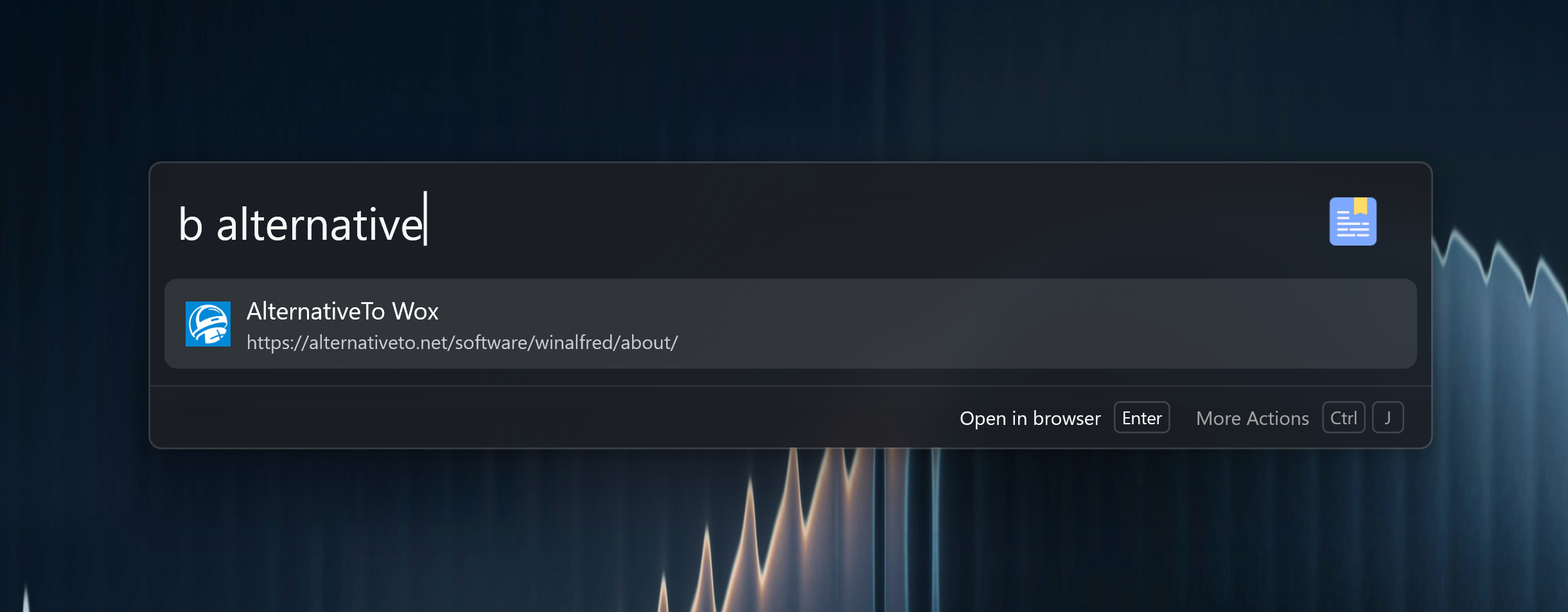
Quick Start
github
docs
wox launcher
github.com/Wox-launcher
b github
The plugin uses stricter matching than broad text search so bookmark results do not flood every query.
Supported Browsers
| Browser | Notes |
|---|---|
| Chrome | Reads common profiles such as Default, Profile 1, Profile 2, and Profile 3. |
| Edge | Reads common profiles on Windows, macOS, and Linux. |
| Firefox | Reads Firefox profile directories and places.sqlite. |
Safari bookmarks are not currently indexed.
Settings
Open Settings -> Plugins -> Browser Bookmark to choose which browsers Wox should index. Keep only the browsers you actually use enabled if you have many duplicate bookmarks.
Bookmarks reload when the browser bookmark file changes, and again when Wox restarts. If Firefox has the profile database locked, close Firefox once and retry.
Icons and Ordering
Wox prefetches bookmark favicons in the background and keeps them cached. Frequently opened bookmarks move up over time through MRU.
Troubleshooting
A bookmark is missing
- Confirm the browser is enabled in plugin settings.
- Confirm the bookmark is in a supported profile.
- Restart Wox if the browser just synced or rewrote its bookmark database.
Duplicate bookmarks appear
The plugin removes exact duplicates with the same title and URL. Similar bookmarks from different profiles or different URLs are kept.
Related Plugins
- WebSearch for searching the web
- Application for launching a browser