
Countdown timers in the launcher
Updated September 2026 · Latest v2.4.5 · GitHub Release · Changelog
Wox includes countdown timers you can start from the same window you use to open apps.
What it is
text
timer 5m
timer 1h meeting
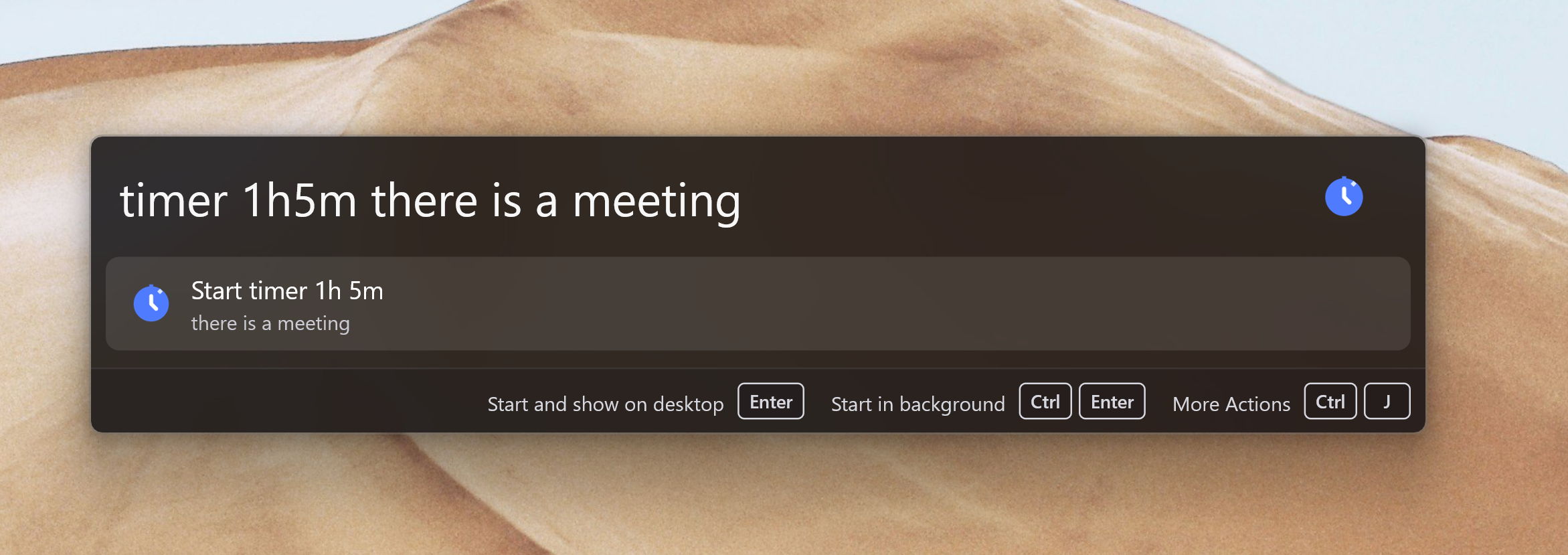
timer 1h5m there is a meeting
timer with a duration starts a countdown. An optional note after the duration becomes the timer label. Running timers persist across Wox restarts.
| Action | Use |
|---|---|
| Start and show on desktop | Start the timer and pin an overlay |
| Start in background | Start without an overlay |
| Pause / resume | Hold the remaining time |
| Pin | Show or hide the desktop overlay |
Overlays are not persisted. After a restart, reopen timer and pin the timer again if you want the overlay back.
How to use it
- Type
timer 25m focus. - Press
Enterto start and show it on the desktop, or use the Action Panel to start it in the background. - Type
timerlater to pause, resume, or delete it.