
Cross-platform launcher for Linux Wayland
Updated October 2026 · Latest v2.4.9 · GitHub Release · Changelog
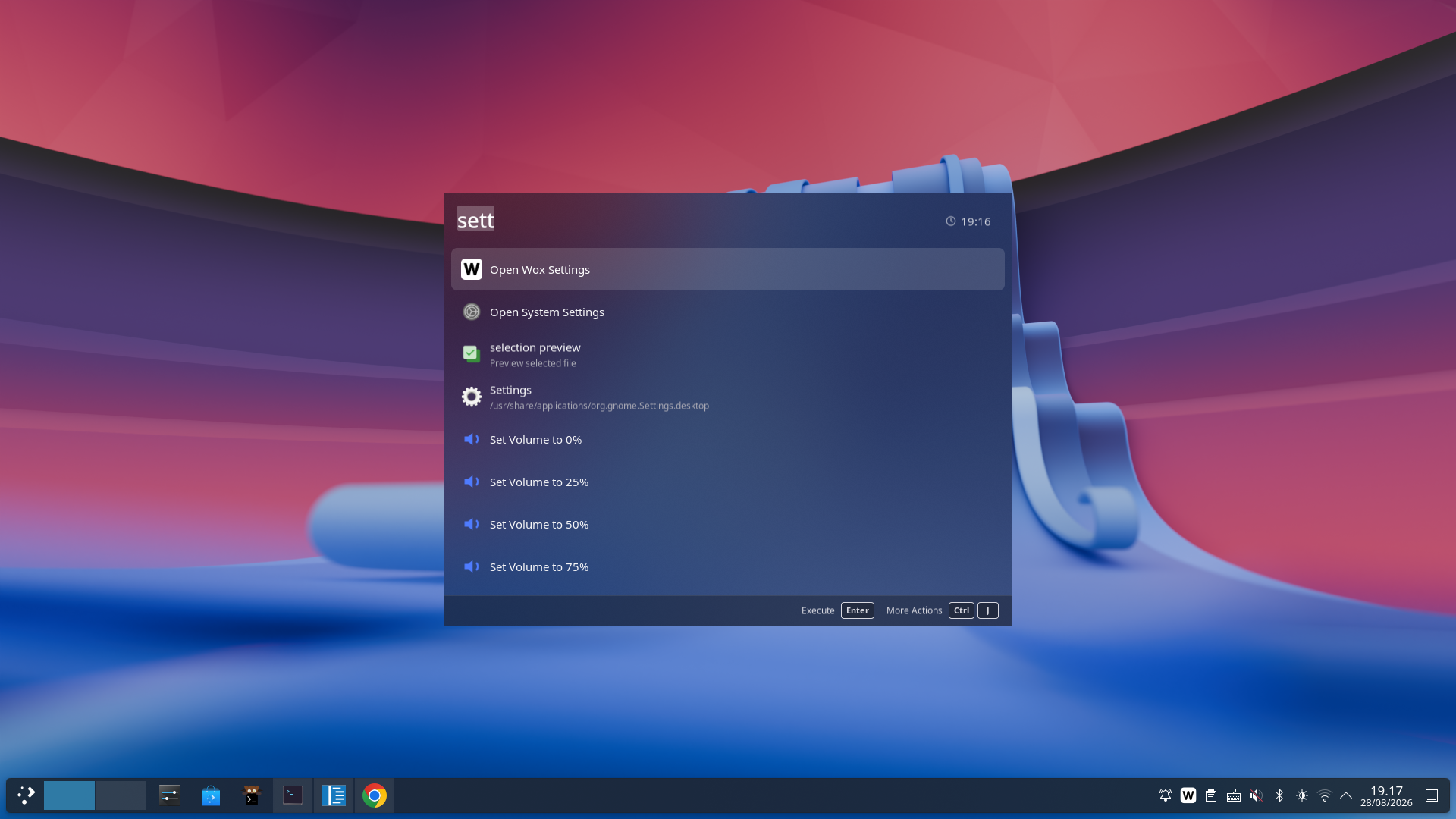
Wox is a native launcher on Linux, not an Electron shell. On supported Wayland desktops it shows as a layer-shell overlay and uses the desktop-specific backend for regular global hotkeys.
What it is
Wox ships stable Linux builds alongside Windows and macOS. On desktops that support layer-shell, the main window uses Wox's own namespace (io.github.WoxLauncher.Wox) on the top layer, so it can appear above ordinary windows without becoming a normal XDG toplevel.
Ordinary combination hotkeys such as Ctrl+Space use the backend for the current desktop:
- Hyprland: native compositor bindings.
- GNOME: the Global Shortcuts portal, with a desktop-settings fallback.
- COSMIC: native desktop shortcut configuration.
- Other Wayland desktops: the Global Shortcuts portal when available.
Double-modifier and CapsLock-combo hotkeys need extra input permissions because Wayland does not let Wox intercept raw keys the way X11 does.
Why the limits exist
Wayland compositors own animations, global shortcuts, and clipboard portals. Wox does not bypass those with a root daemon.
On Hyprland, Wox automatically applies a layer rule to disable its window animations and reapplies it after compositor configuration reloads. No manual animation rule is needed. This automatic handling is specific to Hyprland; other desktops manage animations through their own compositor settings.