
Attention Plugin
Attention collects notices from plugins that you can come back to later. For example, File Search can leave a notice when an update is available for its Windows indexing service. Unread items stay in Attention after Wox restarts.
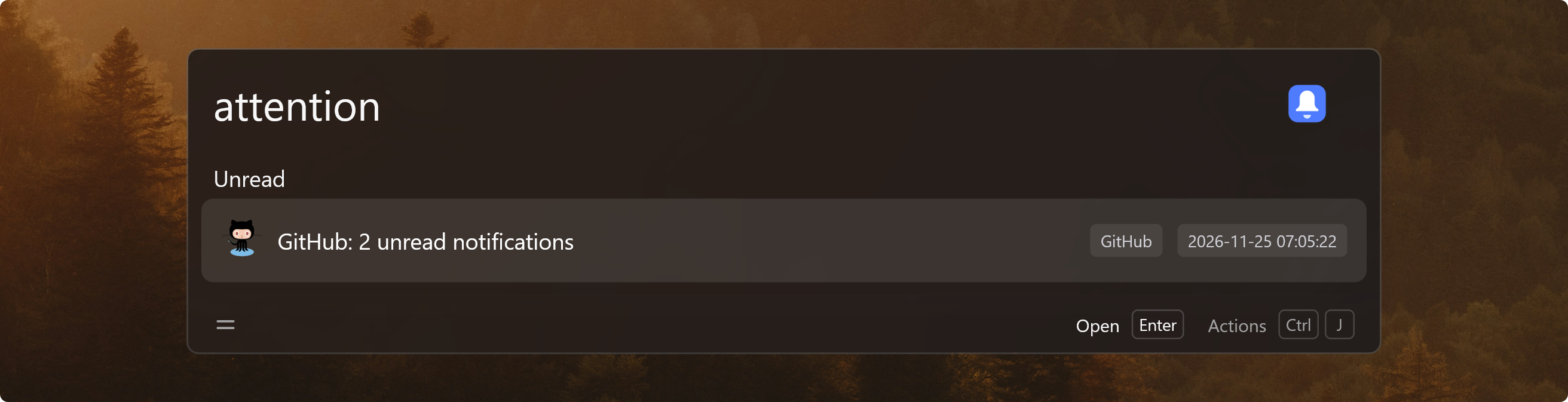
Open Attention
- Type
attentionin Wox to see unread items first, followed by read items. Add a search term afterattentionto filter by title, description, or source plugin. - When the unread count appears next to the query box, click it or press
Cmd+Uon macOS orCtrl+Uon Windows and Linux.
Handle an Item
If an item offers Open, it takes you to a related query or the source plugin's settings and marks the item as read. To change the read status directly, open the Action Panel and choose Mark as read or Mark as unread.